
Free tool
Card centering calculator
Drop in a photo of your card, line up the guides, and see its centering against the PSA and CGC limits in seconds. Your photo never leaves your device.
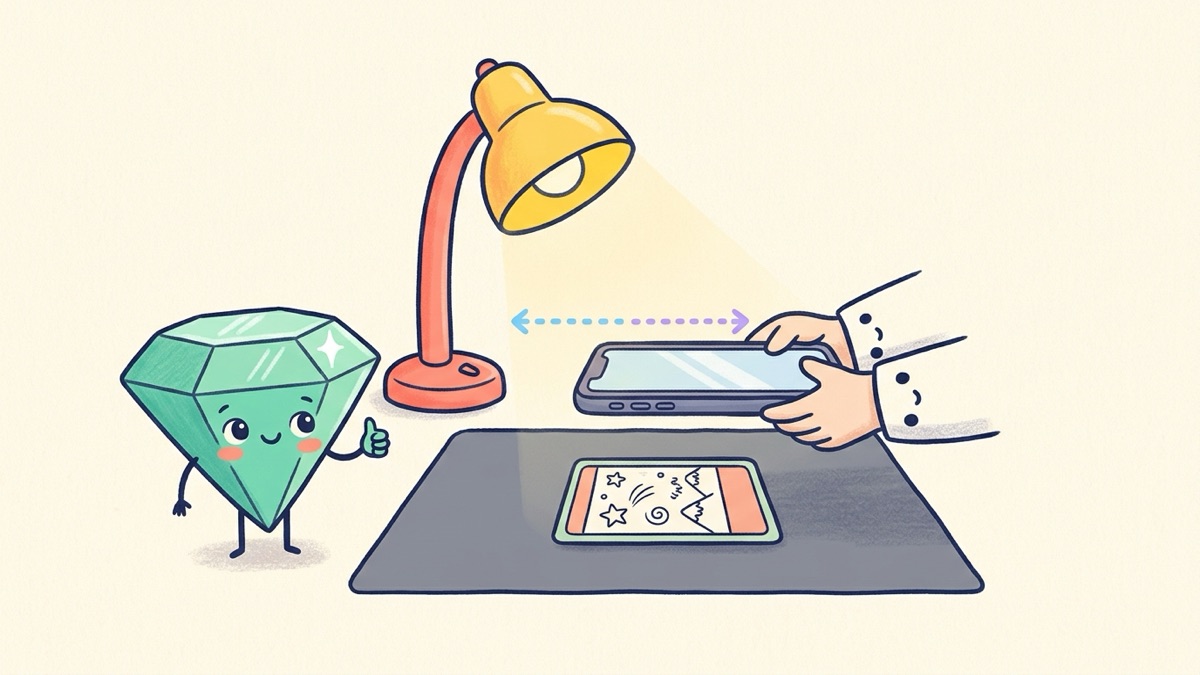
How to use the centering calculator
- Take a straight photo. Lay the card flat on a dark, plain surface and hold your phone directly above it, parallel to the table. Out of the sleeve is best; a clean penny sleeve is fine.
- Add the photo with the box above, or press Try it with a sample card to practice.
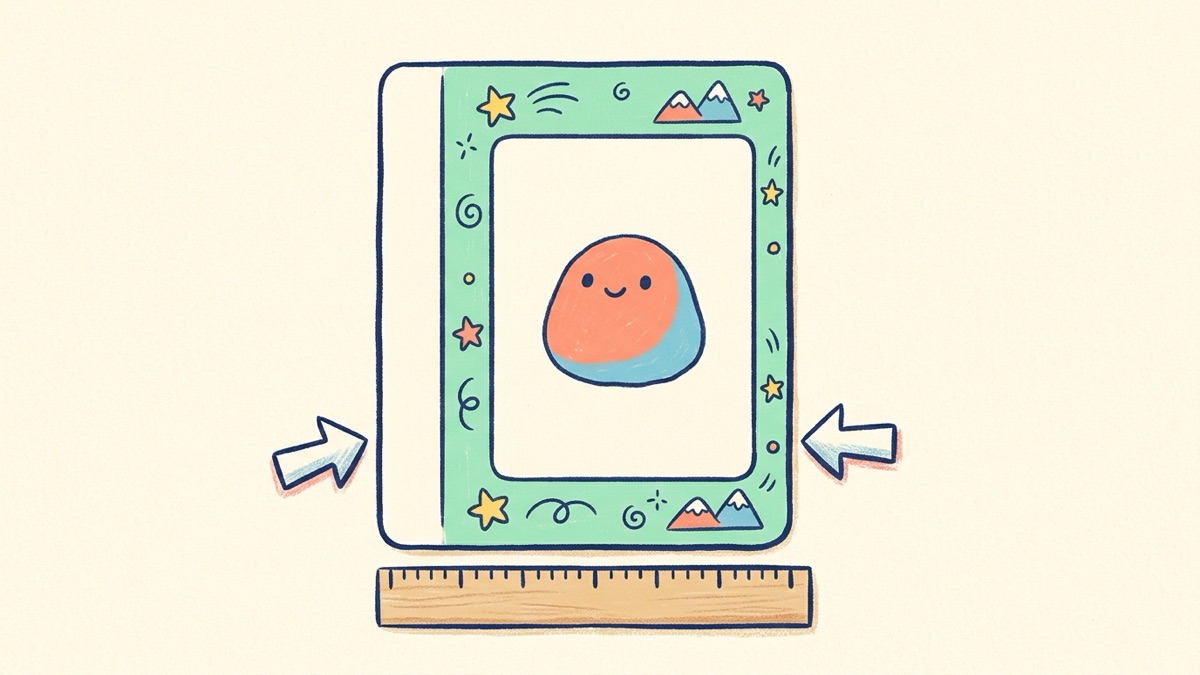
- Drag the yellow lines to the card edges. These mark the outside of the card on all four sides.
- Drag the green lines to the inner border. That is where the colored frame around the art begins, not the artwork itself.
- Read the ratios. Left/Right and Top/Bottom update as you drag, and the table shows which grades your centering allows.
- Flip to Back and measure the reverse too. A grade needs both sides inside its limits.
Tip
While you drag, a round magnifier pops up next to your finger. Use it to put each line exactly on the edge. On a computer you can also click a line and nudge it with the arrow keys.
What the numbers mean
Centering is written as two numbers that add up to 100. A card whose left border is 3 mm wide and whose right border is 2 mm wide is centered 60/40 left to right, because 3 is 60 percent of the 5 mm total. Perfect centering is 50/50. The calculator always compares your worse direction with the limit, because that is how graders read it.
PSA and CGC centering limits
These are the published limits, checked on the PSA and CGC sites in September 2026. Graders may allow a small variance for strong eye appeal, and centering is only one of four things they check.
| Grade | Front (worst side) | Back (worst side) |
|---|---|---|
| PSA 10 Gem Mint | about 55/45 | 75/25 |
| PSA 9 Mint | about 60/40 | 90/10 |
| PSA 8 NM-MT | about 65/35 | 90/10 |
| PSA 7 NM | about 70/30 | 90/10 |
| PSA 6 EX-MT | 80/20 | 90/10 |
| CGC 10 Pristine | 50/50 | not published |
| CGC 10 Gem Mint | about 55/45 | 75/25 |
| CGC 9 Mint | 60/40 | 90/10 |
SGC's Pristine 10 also asks for 50/50. Beckett's site was offline when we checked, so its figures in the calculator are the commonly cited ones and are marked that way.
Photo tips for an accurate reading
- Straight above, not at an angle. A tilted photo squeezes one border and stretches the other.
- Fill the frame with the card and a little background around it.
- Soft, even light. Glare on a holo border hides the edge of the print.
- Zoom with the magnifier, not by cropping. The calculator works best with the whole card in the picture.
Heads up
Some cards have a printed frame that is not an even border, like full art and alt art cards. Measure to the outer edge of the printed area on each side and treat the result as a rough guide.
Questions
What centering do I need for a PSA 10?
PSA's published standard for a Gem Mint 10 is about 55/45 or better on the front and 75/25 or better on the back. A PSA 9 allows about 60/40 on the front and 90/10 on the back.
Is this card centering calculator free?
Yes. It is free, needs no account, and runs in your browser. The photo you add stays on your device and is never uploaded.
Do I measure to the artwork or to the border?
To the border. Put the outer lines on the edge of the card and the inner lines where the printed frame begins on each side. The artwork box inside the frame is not part of centering.
Does good centering mean my card will get a 10?
No. Centering is one of four checks. Corners, edges and surface also have to be close to perfect, and the grading company always has the final word.
Can I measure the back of the card?
Yes. Switch the Front and Back buttons above the photo. The back limits are looser: 75/25 for a PSA 10 and 90/10 for a PSA 9.
Guides that go with this


grading basics
What Is a PSA 10? The PSA Grading Scale Explained
grading basics
How to Grade Pokemon Cards: A Step-by-Step Guide
grading costs
Is My Card Worth Grading? A 5-Minute Check